
Search looks across the whole team at once, grouped by what kind of record it found.
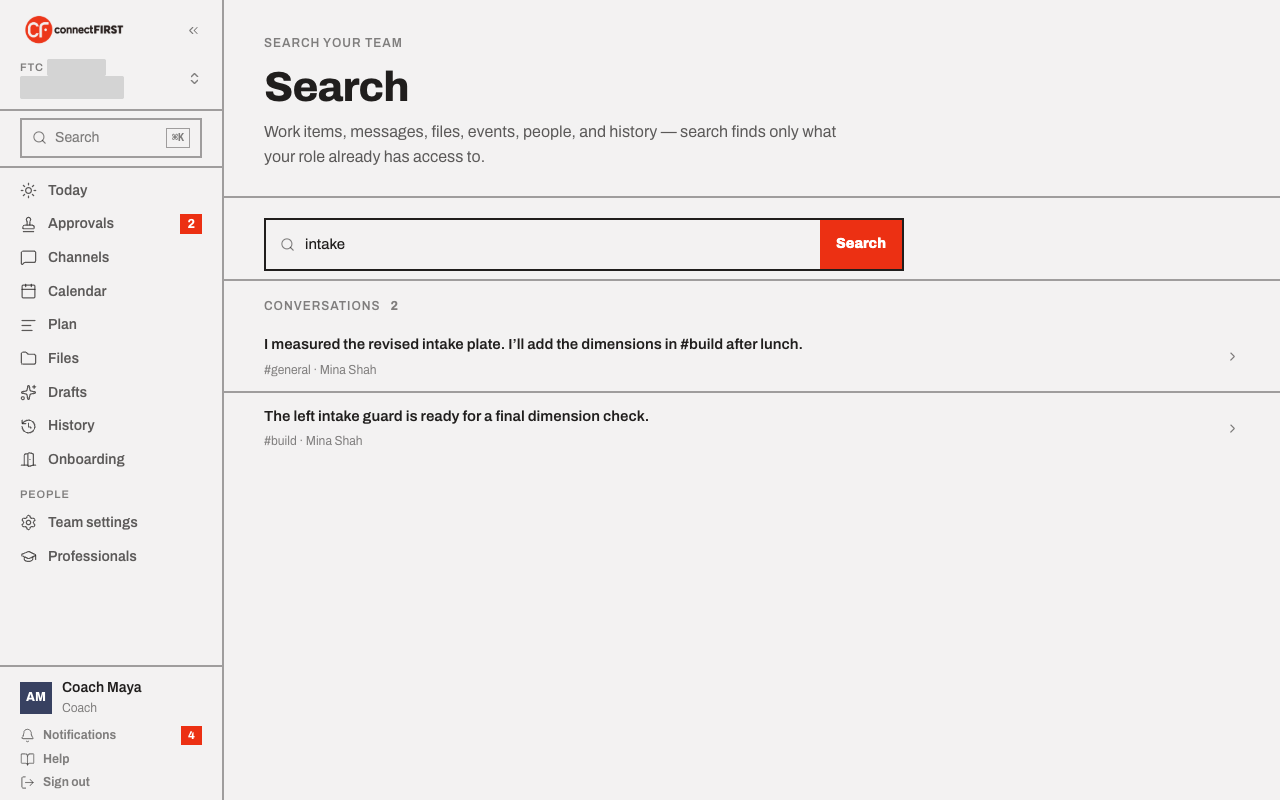
Opening it
Press ⌘K (Ctrl-K on Windows), or click Search at the top of
the rail, from any screen. It opens as an overlay you can start typing
into straight away. Esc or the × in the search box closes it. The
overlay's footer has a link to a full-page Search (/search) that
runs the same query with more room for long result lists.
What it searches
Work items, channel messages, files, events, people, and History — all in one query, each kind shown in its own group with a count. Click any result to jump straight to it.
It never shows you more than your role can
Search doesn't add a shortcut around anything else in the app — a result you can click into is a result you already had access to. A parent searching won't turn up a channel they can't read or a work item outside their view.
Query syntax
Type at least two characters. Quote a phrase for an exact match —
"intake mechanism" — and prefix a word with - to exclude it.